WP Adminify
A redesign of the WordPress admin that hides developer clutter and lets each site brand its own dashboard.
Context
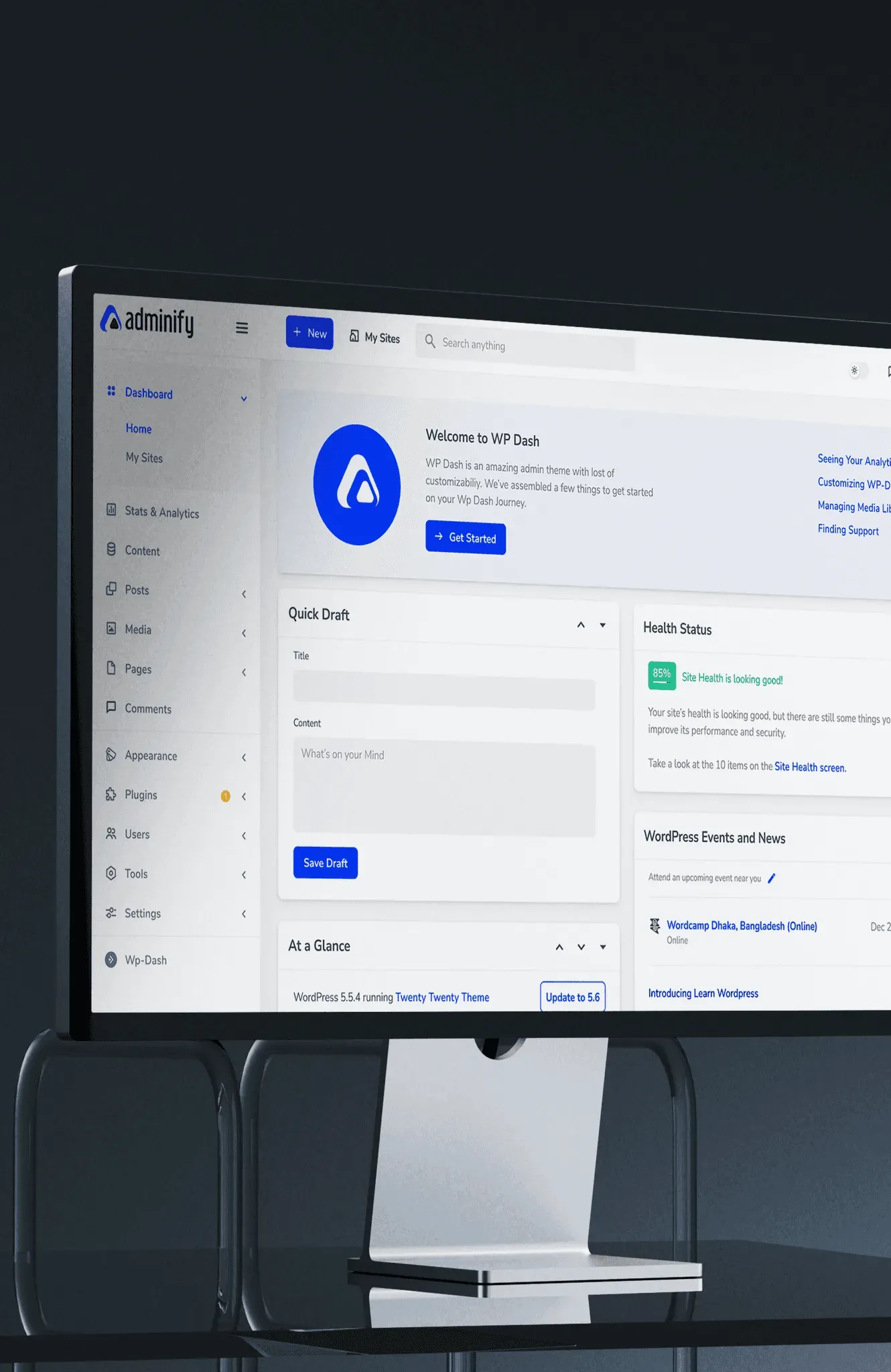
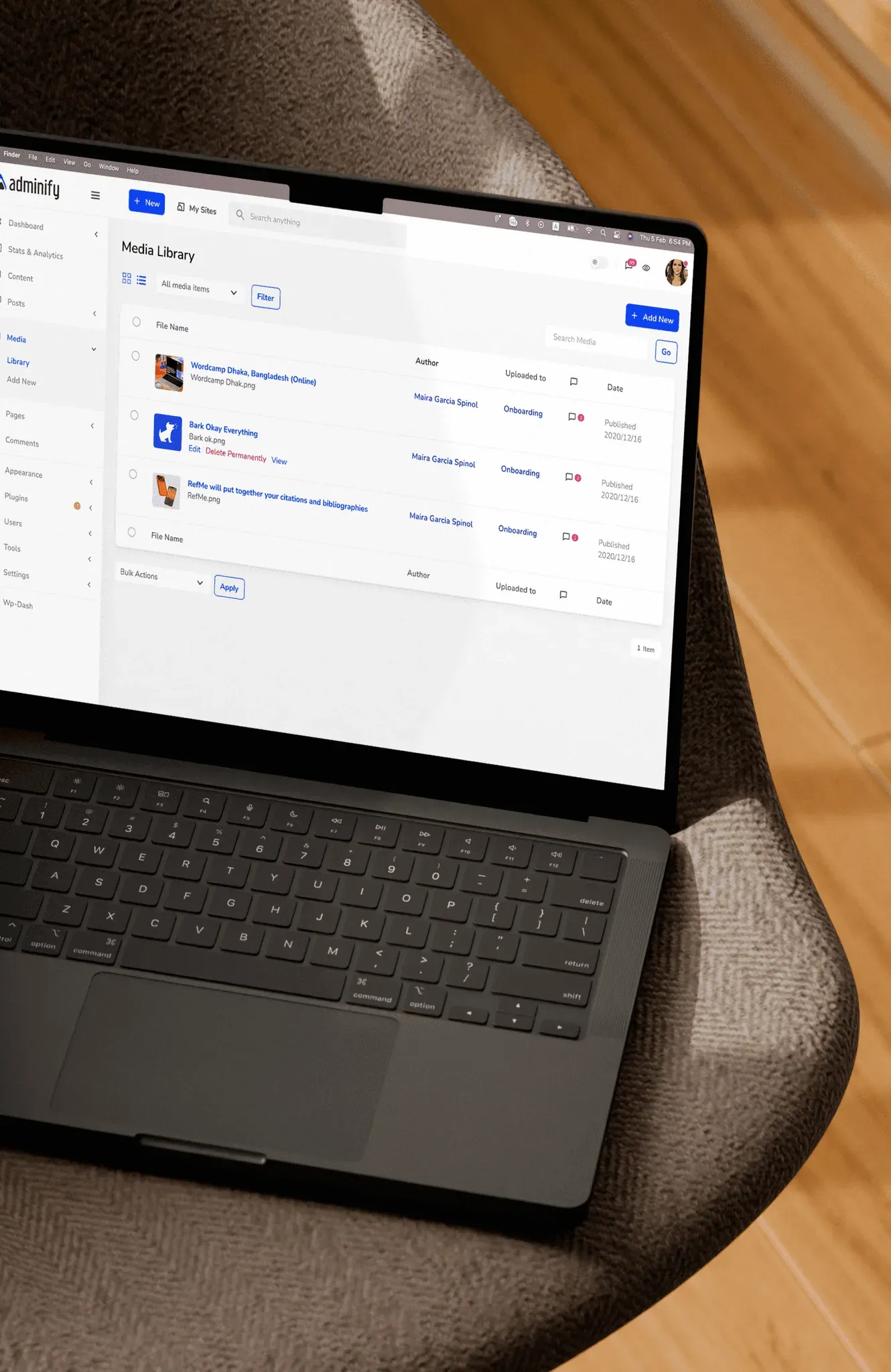
WordPress runs about 40% of websites, and its admin is powerful but hard to learn. WP Adminify redesigns that admin: it hides the developer clutter and lets each site brand its own dashboard.
What users told us
To find what was slowing people down, we ran user interviews and usability tests with a mixed group of users, from heavy power users to non-technical beginners.
- Legacy architectureThe default interface is stuck in a blog-centric mental model. It doesn’t support the structure of modern e-commerce and application sites.
- Too many pluginsTo fill feature gaps, people rely on third-party plugins. These flood the dashboard with clashing UI patterns, aggressive notifications and disorganised widgets.
- Hard to learnNew users face a dashboard where every plugin looks and behaves differently, so everyday tasks take longer than they should.
What the research found
- 67% were confused about posts versus actual site content, and which post or page goes where.
- 31% weren't sure where to start.
- 43% were concerned about plugin security.
- 23% were paying separate subscription fees for analytics, field management and validation.
The solution
We worked in three steps.


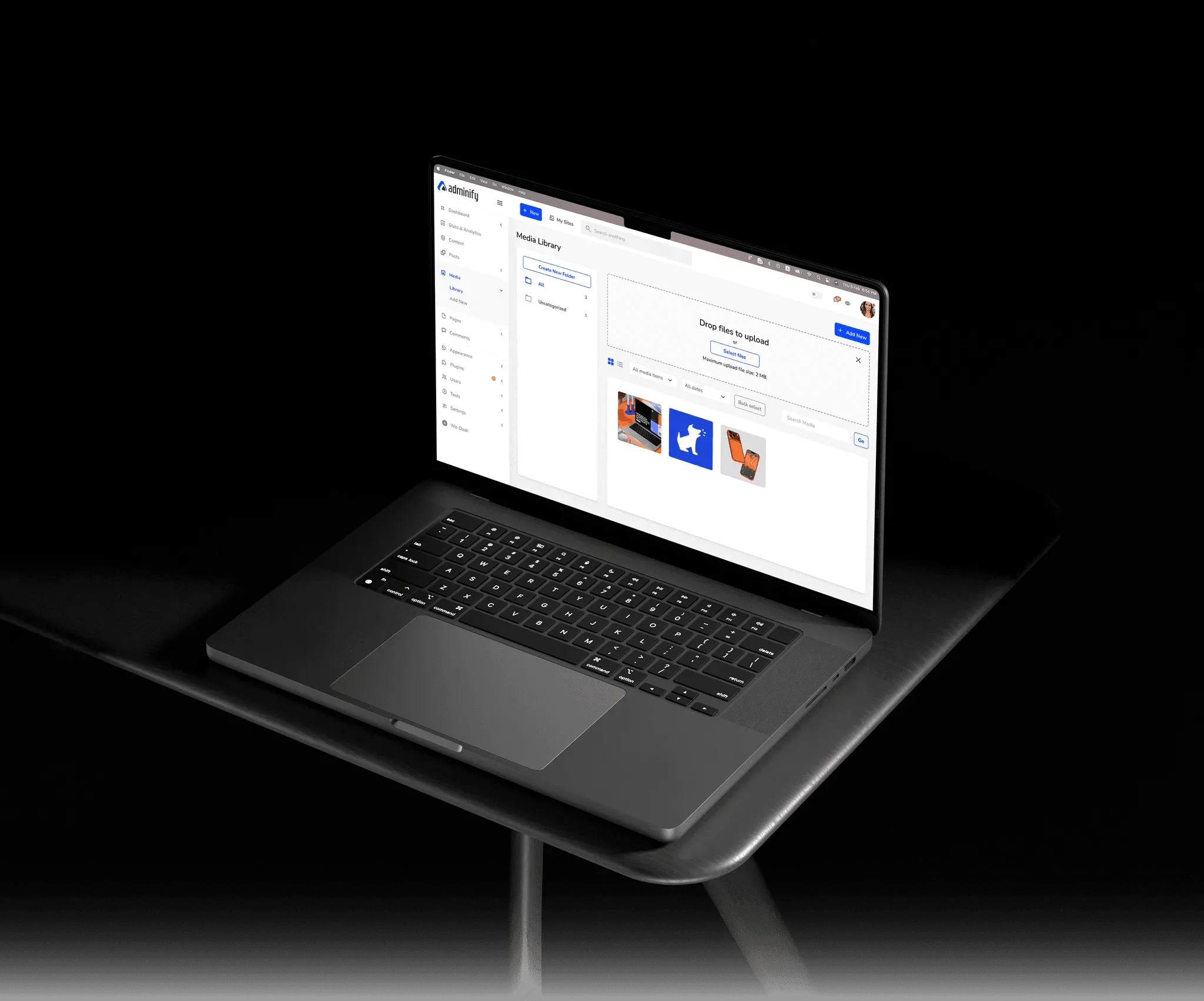
- Audit and declutterWe analysed the information architecture, hid unnecessary menu items and suppressed the plugin notifications that confuse non-technical editors.
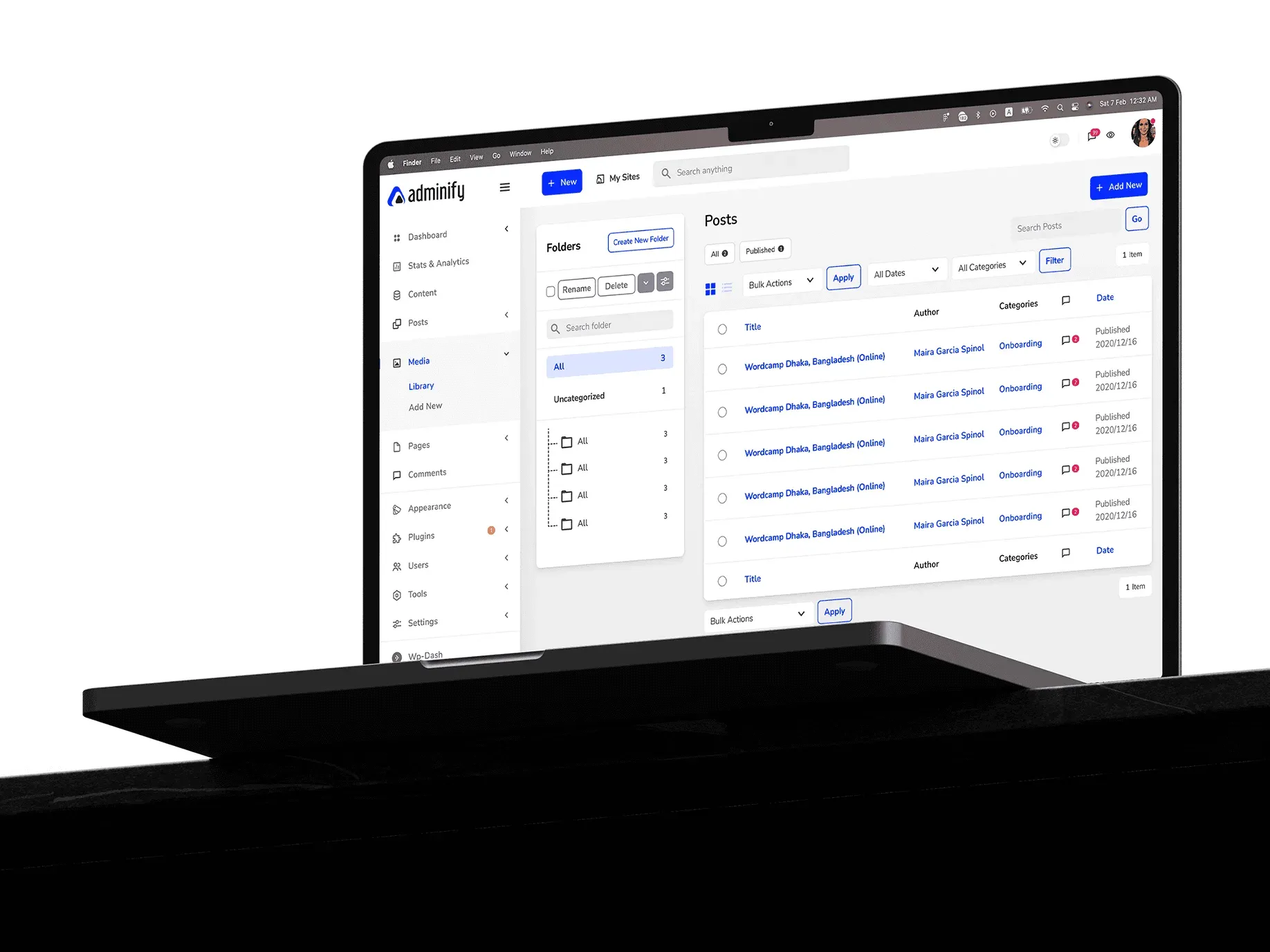
- A shorter sidebarUsing the Menu Editor, we grouped related plugins, renamed technical jargon to plain terms, and hid menus that non-technical users never need to touch.
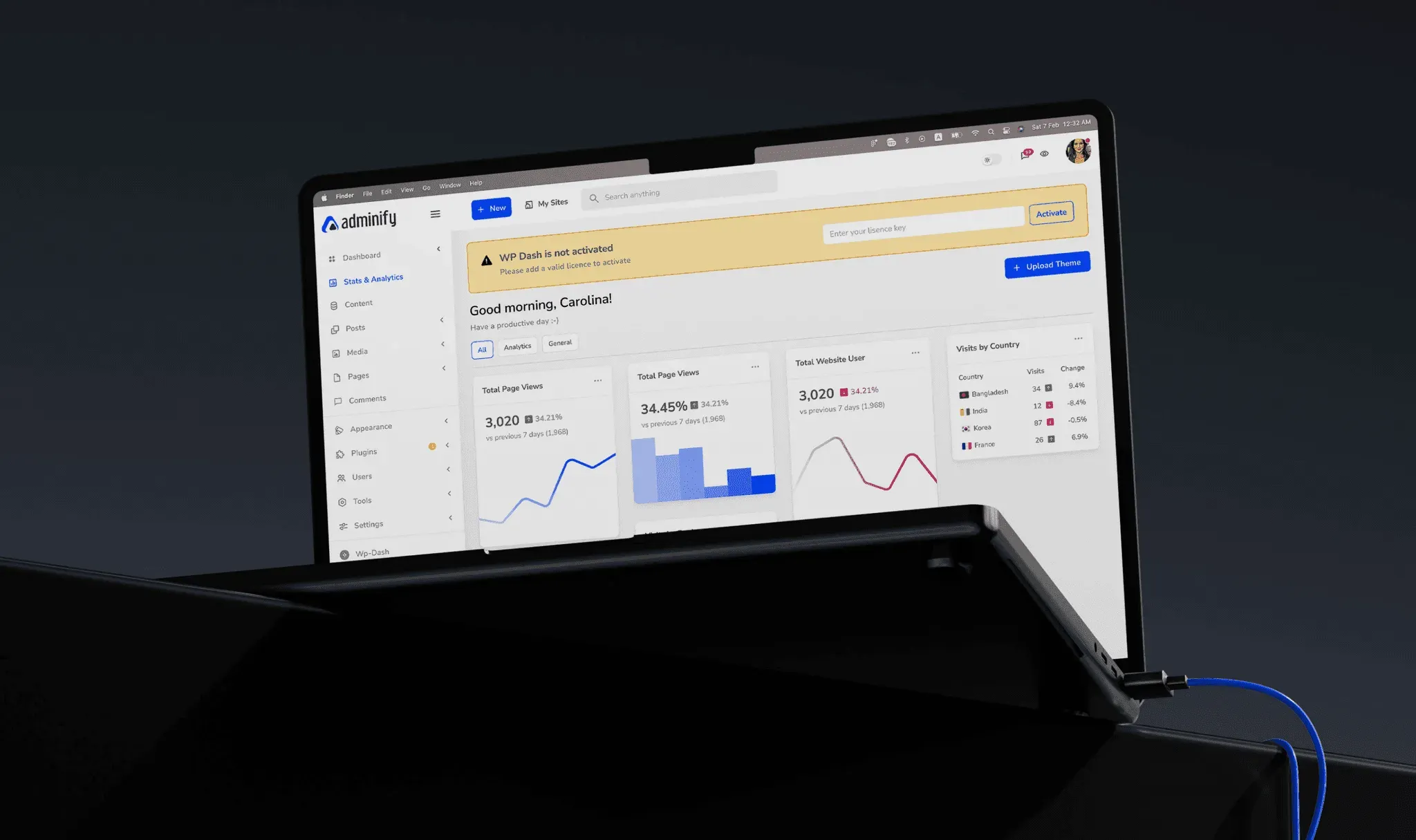
- A new UI with dark modeWe designed a new interface template with a built-in dark mode, with clearer hierarchy and less glare for people who spend hours in the admin.
The interface
What we did
We designed the first version of WP Adminify with its team:
- User research
- Full dashboard customisation
- Navigation and hierarchy
- A design system for future features
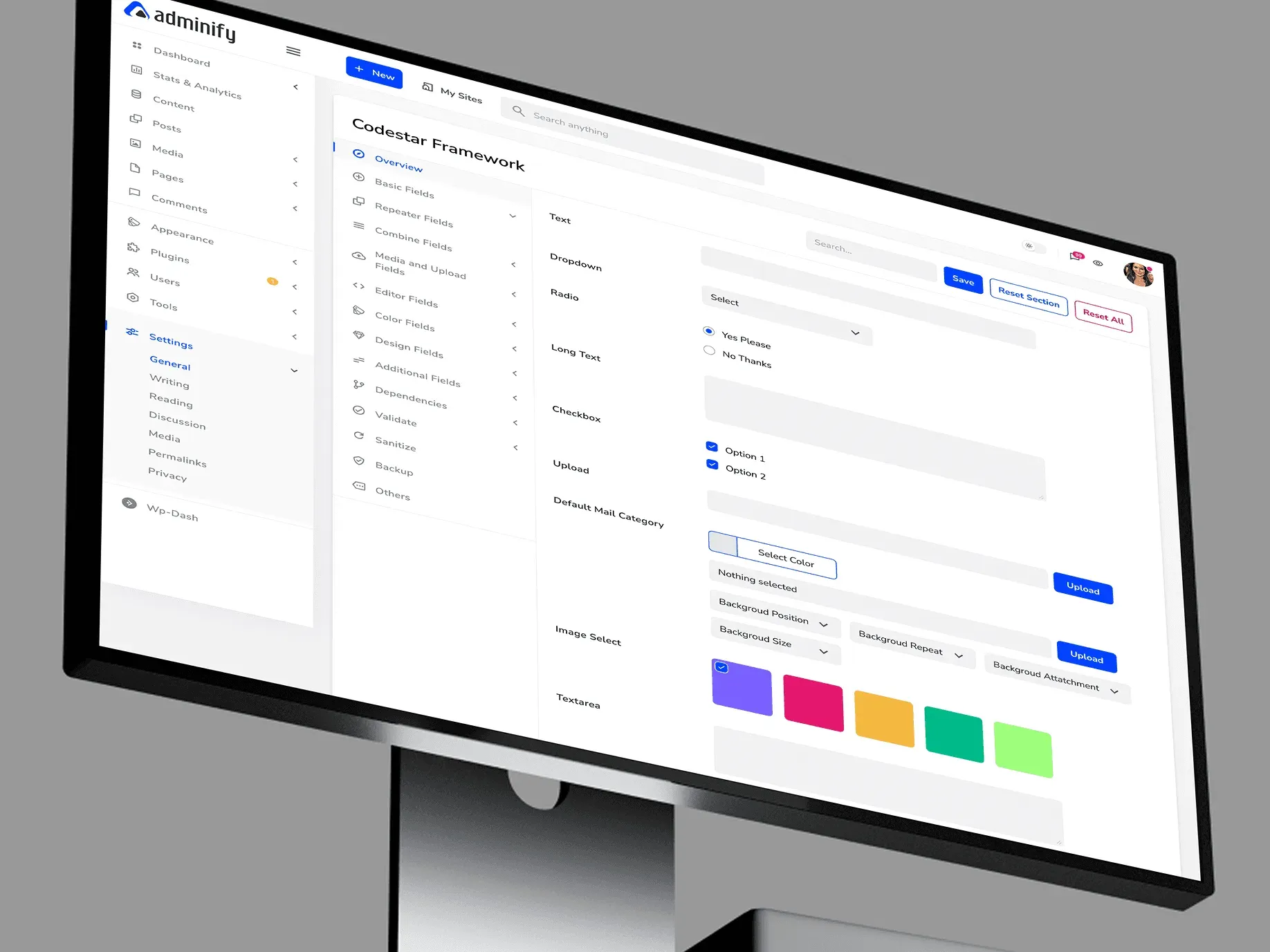
Settings
What users say
The plugin is stable and does not affect performance, which is a significant advantage.
 @gdimitrov · WordPress.org
This plugin is very great: works fine, gives a very nice look to the WordPress Dashboard
 @peopleinside · WordPress.org
Support has been responsive and helpful, truly putting the customer first — a rare quality these days.
 Louis J Gleason · Developer and creator
This plugin lets me transform the UI, user-friendly, and fast—essential for a modern website backend.
 Sascha Donelasci · Web design agency
I am totally blown away with all that WPAdminify can do! ALREADY WAY BEYOND EXPECTATIONS!!
 @shezoom · Startup
Lot of functionalities and ability to, customize admin & login on WordPress, active support & updates.
 @Myllio · WordPress.org