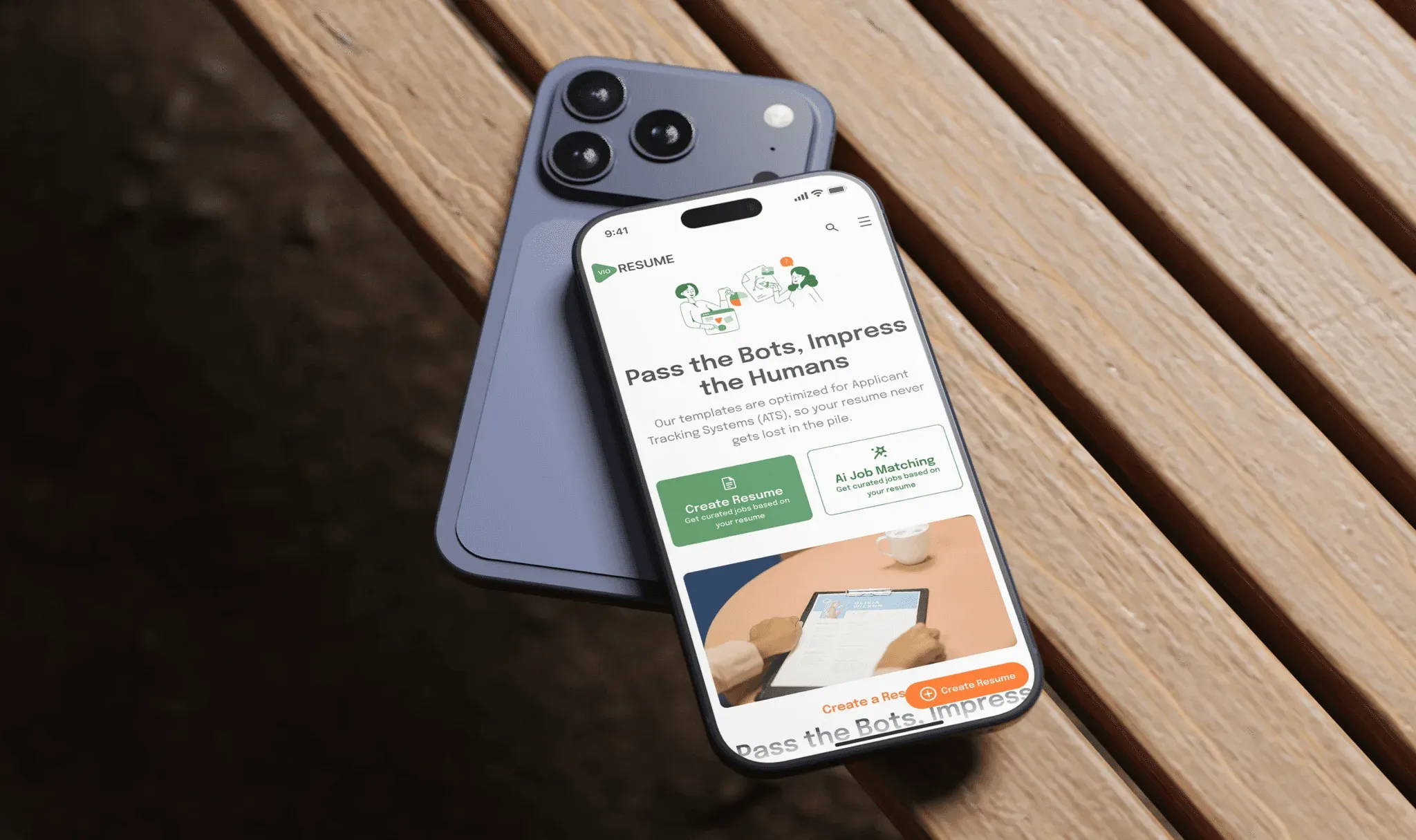
VioResume
A mobile resume app that uses AI to write stronger resumes and match job seekers with roles that fit.
Context
We designed and built VioResume, an AI resume platform, covering every screen from onboarding to job matching.
Why the product needed a redesign
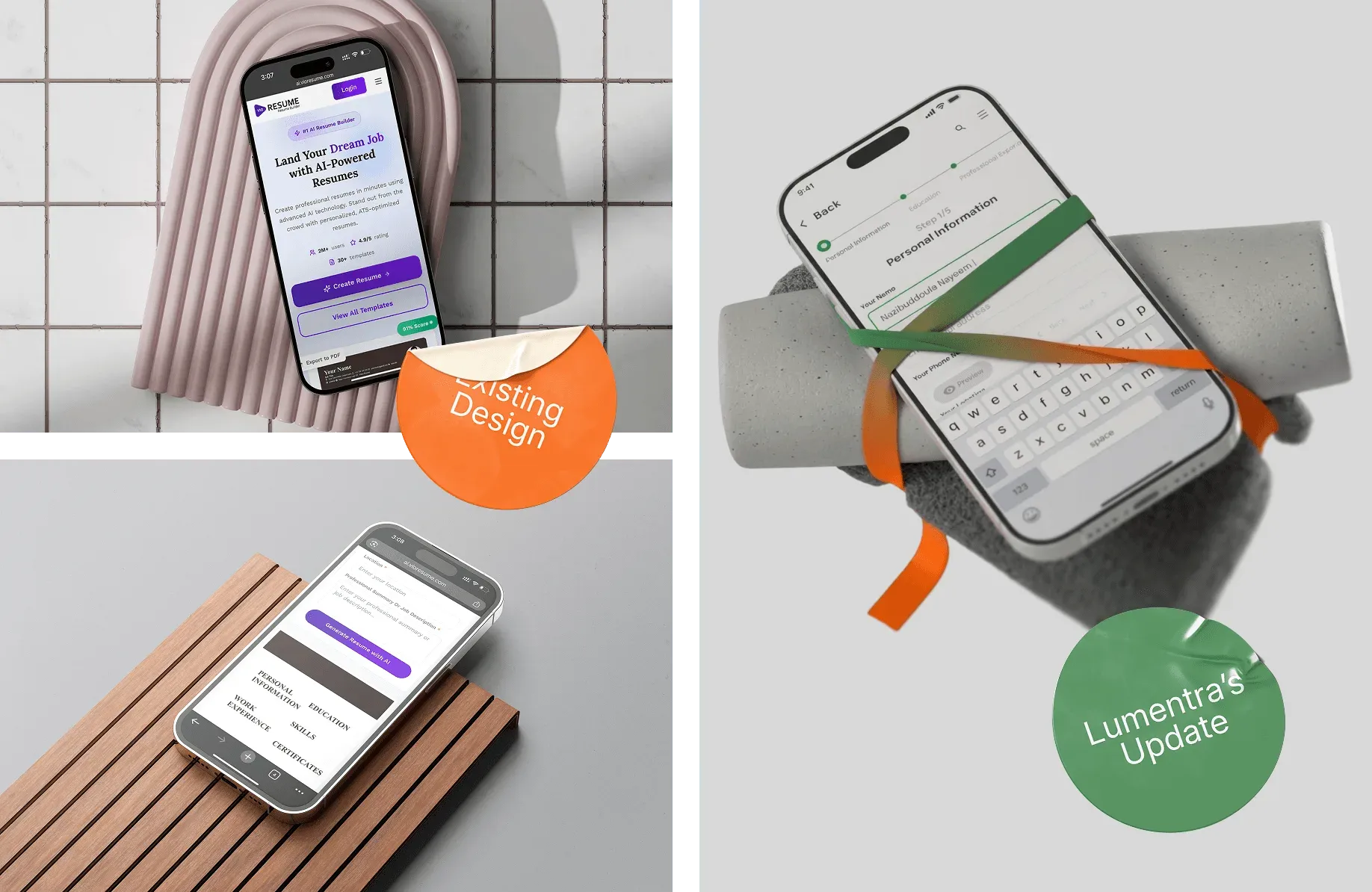
The old version had a high bounce rate: people landed and left before the interface told them what it was for or where to start.
- 14.45% Dead-click rate. About 1 in 7 clicks did nothing. Calls to action were buried, and people kept tapping elements that weren't interactive.
- 0.02% Conversion. Almost nobody finished building a resume. Most dropped off partway through the flow.
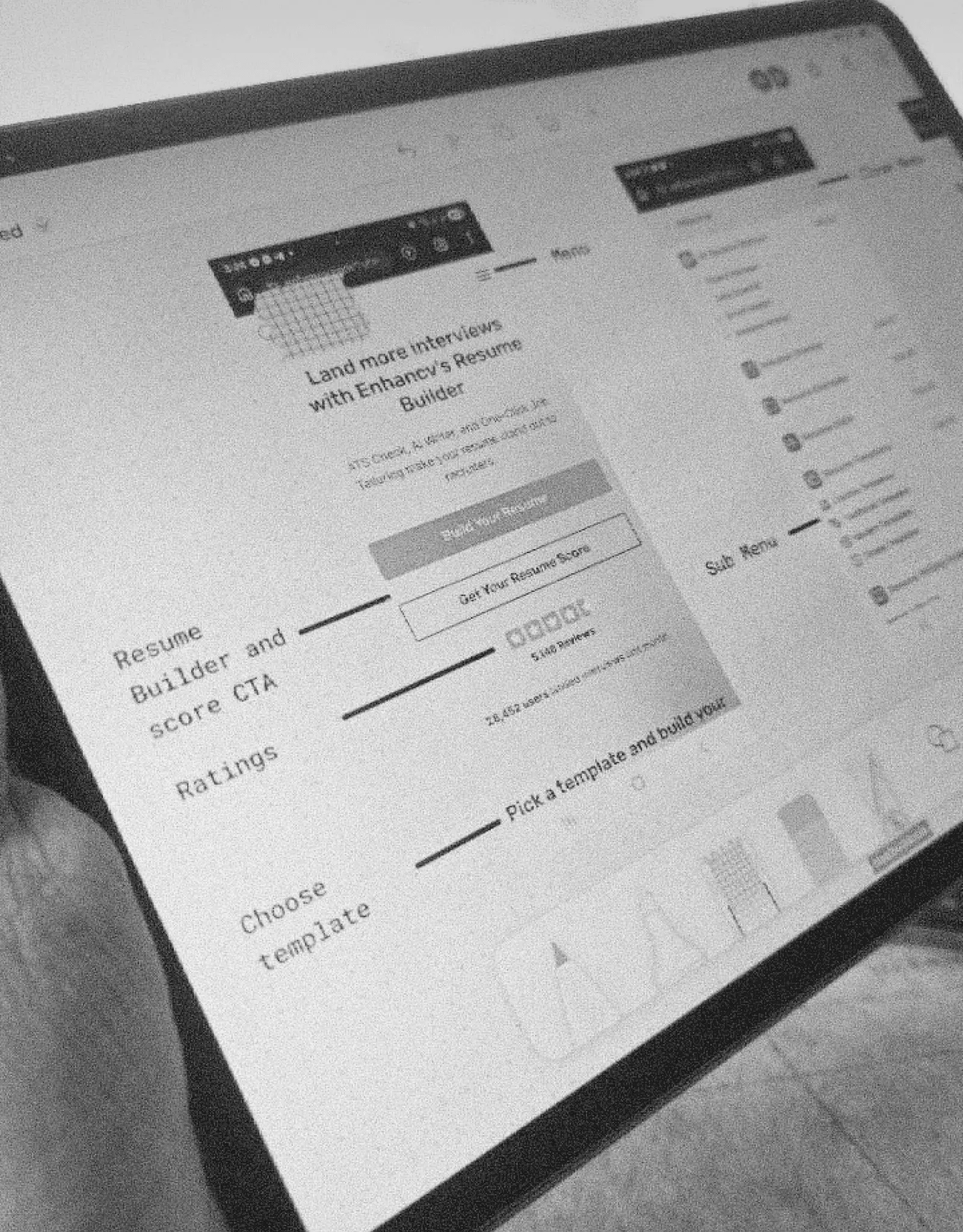
We sketched the main user journeys on paper and cut the steps people didn’t need before designing any screens.
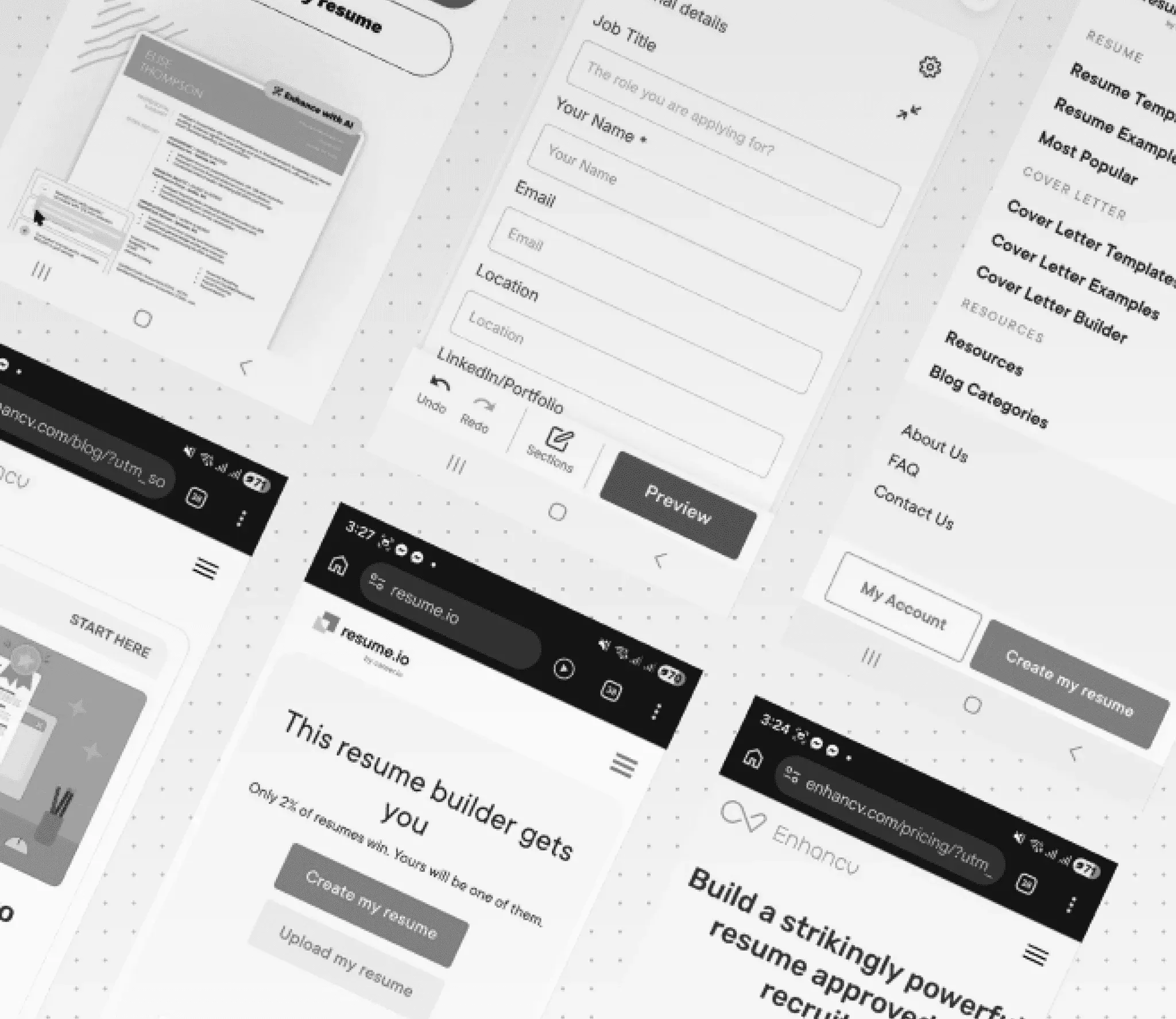
The mobile blueprint
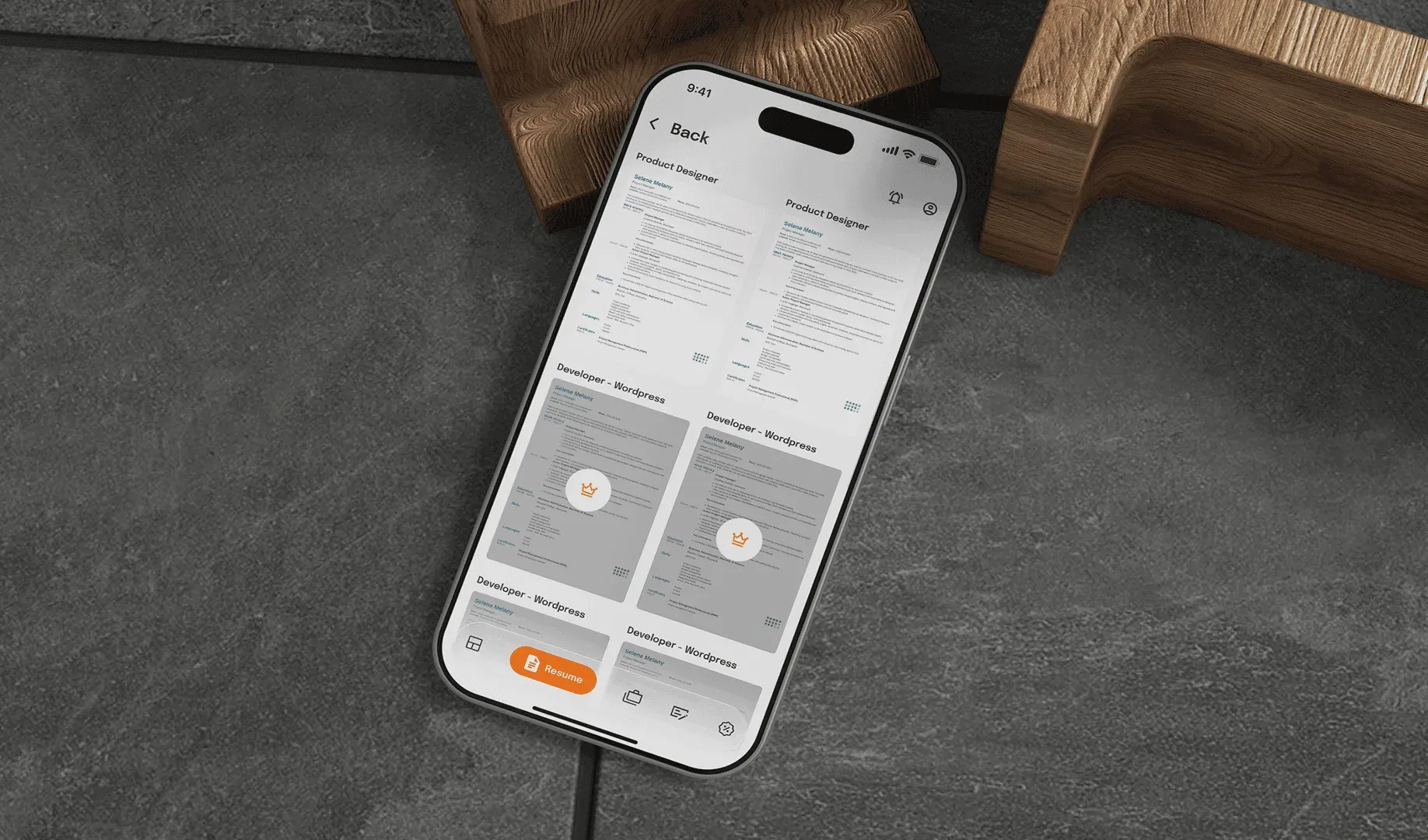
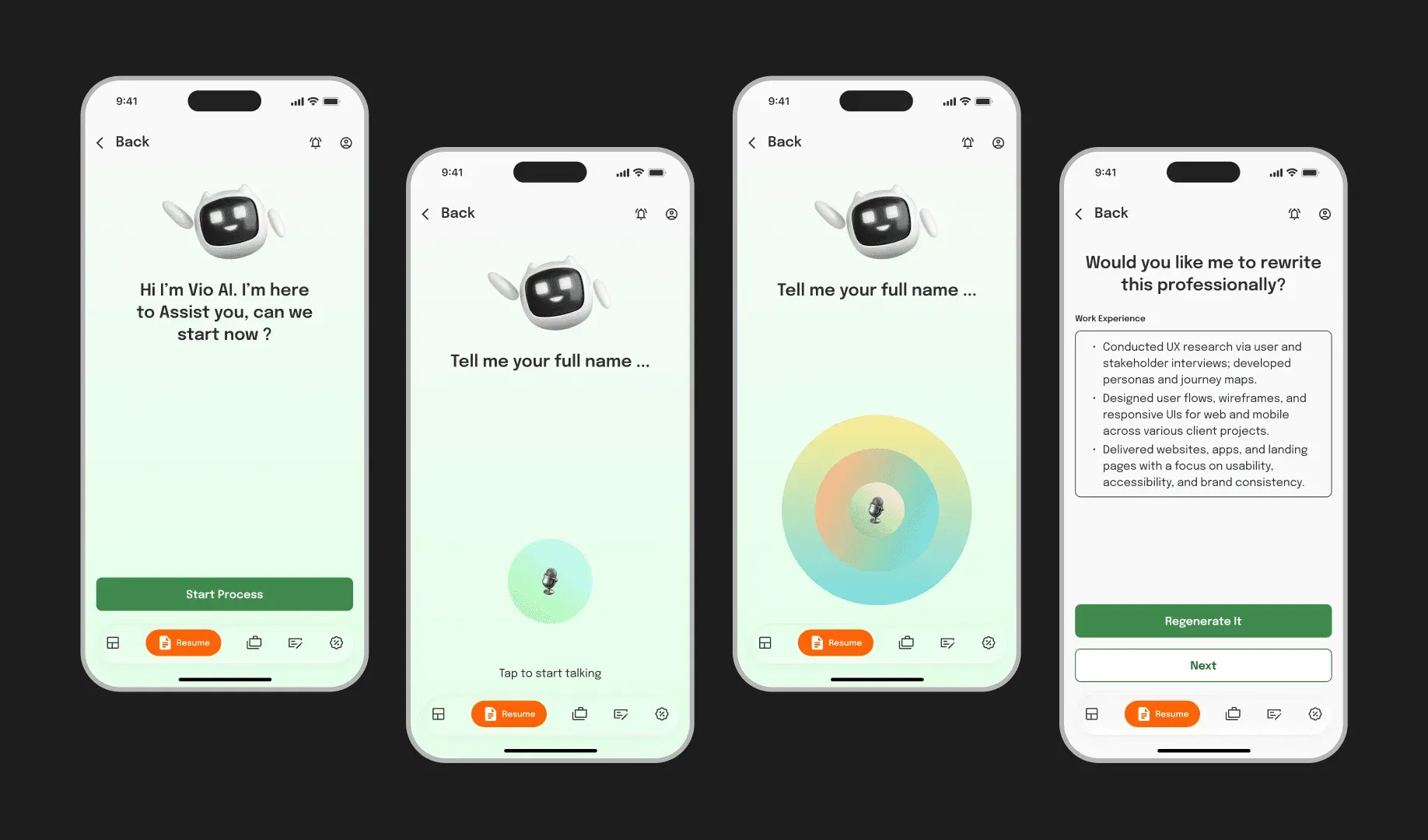
VioResume uses AI to bring out a person’s strengths on their resume and match them with jobs that fit their skills.
Mobile first
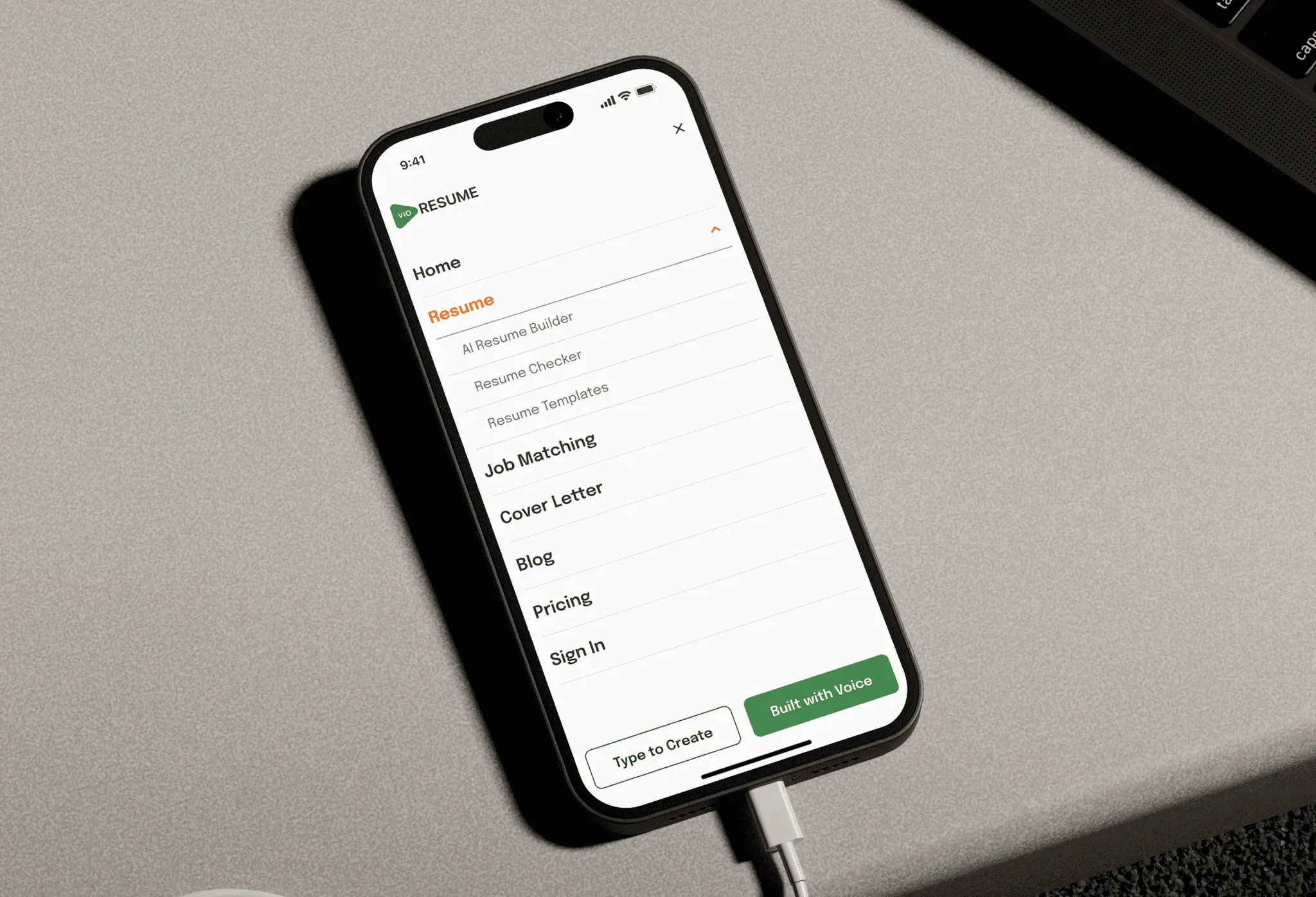
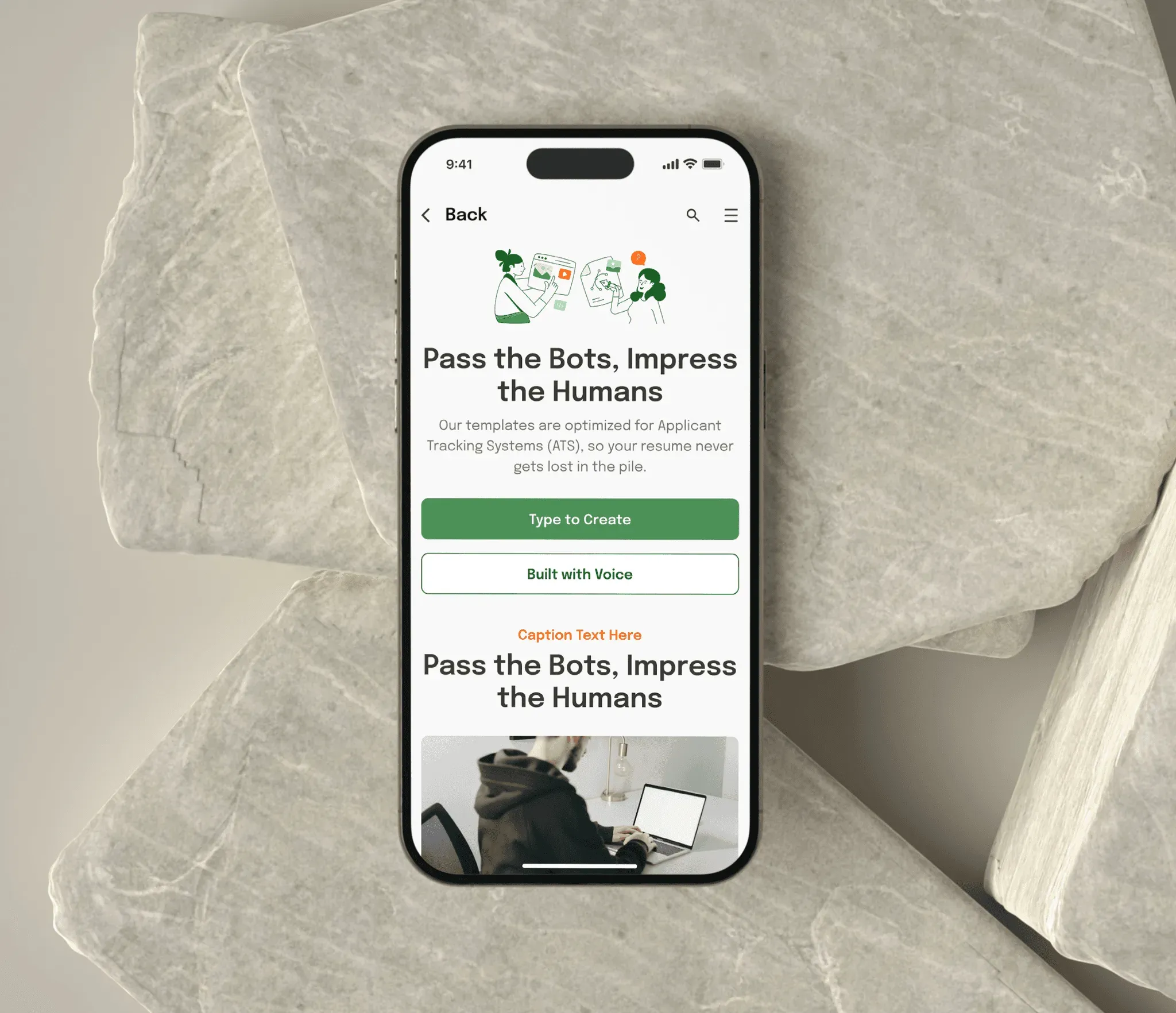
We designed every screen for phones first.
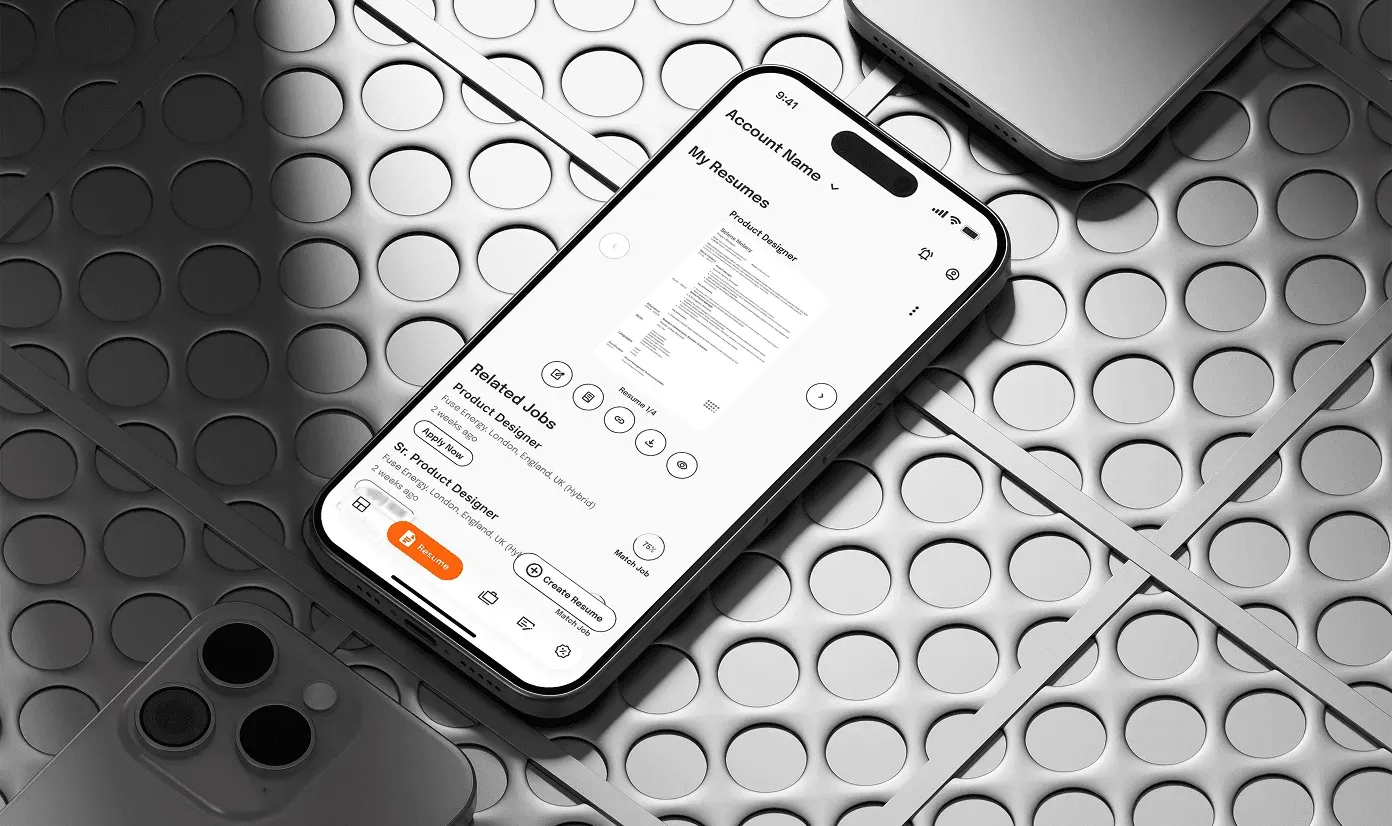
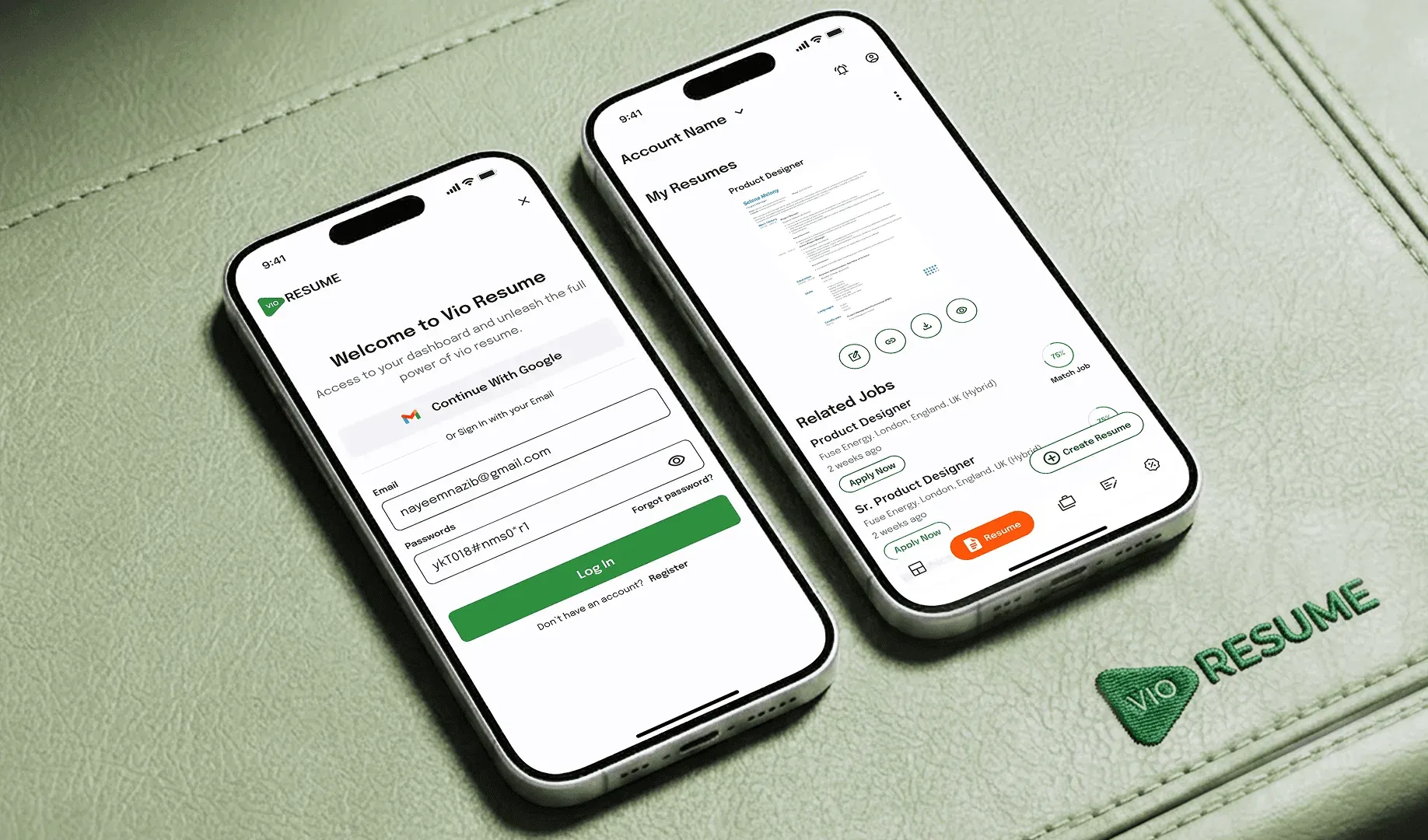
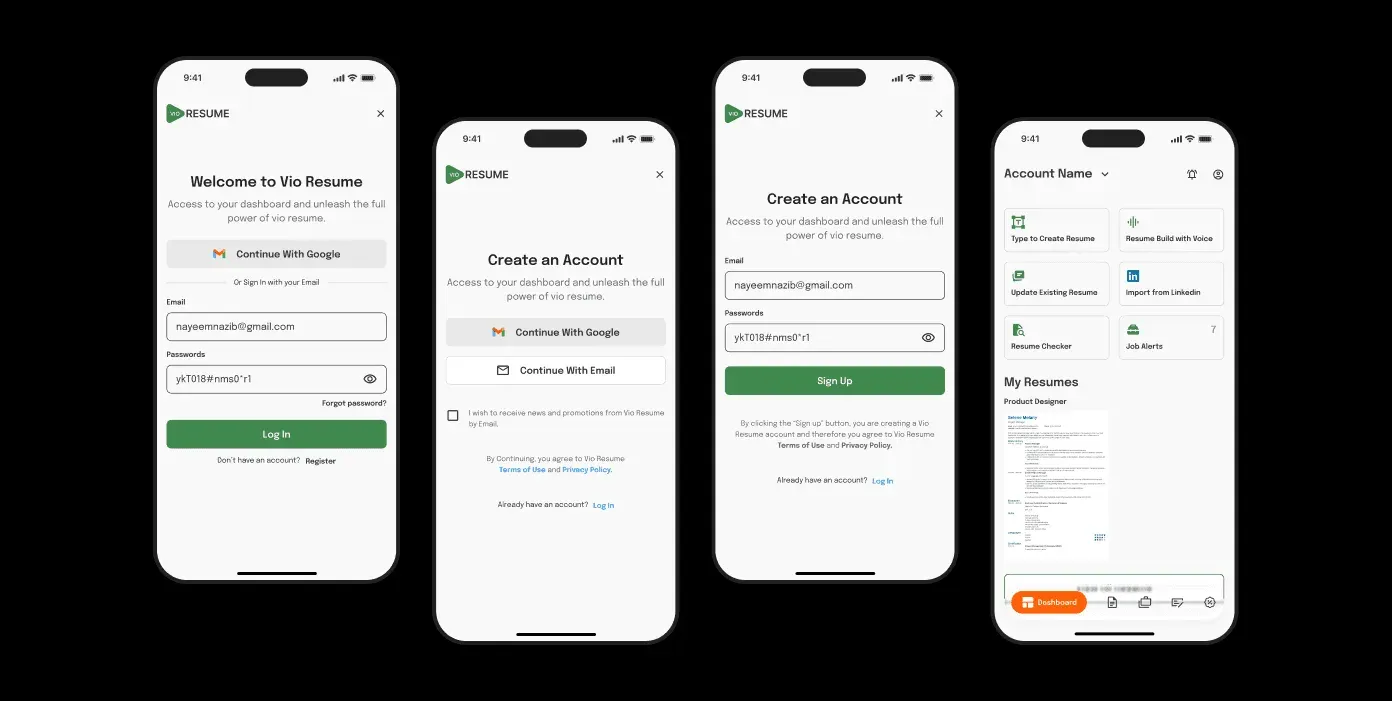
Onboarding
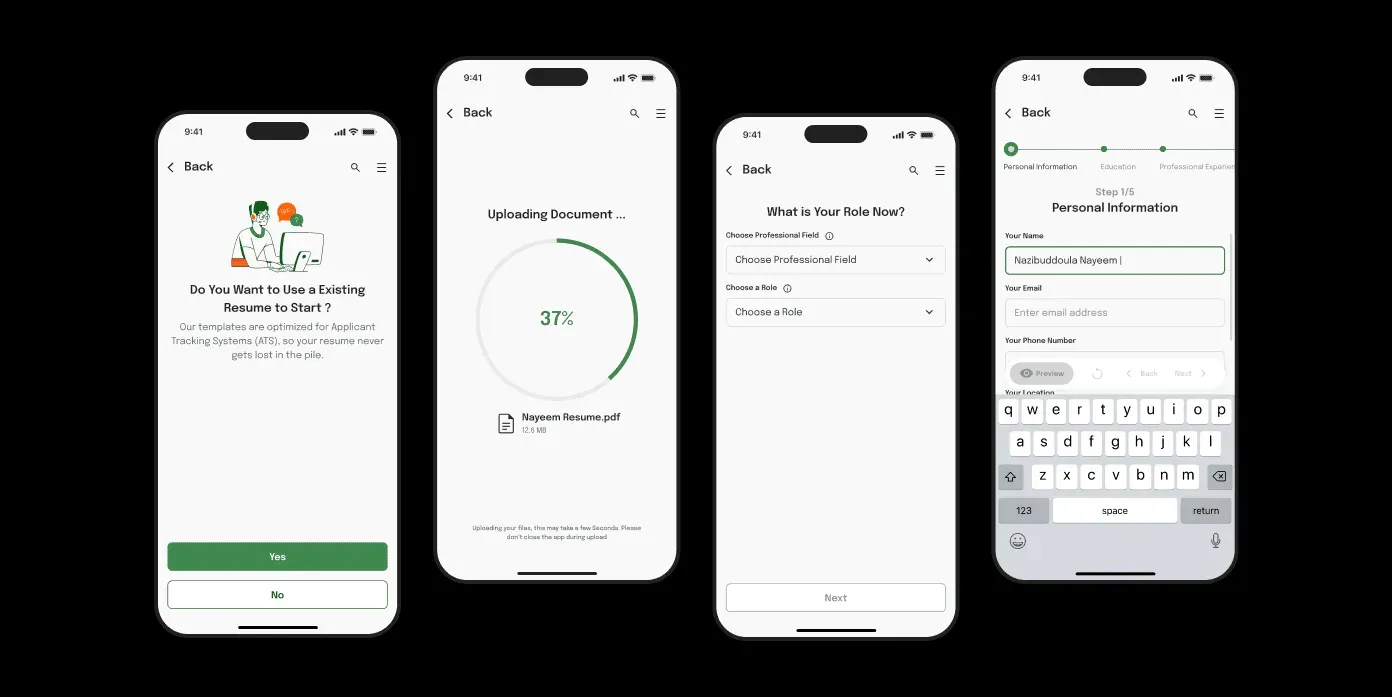
A guided onboarding flow lets people create or import their resume in minutes. We cut and reordered steps to reduce drop-off.
The resume form
The form asks for personal details, education and skills one step at a time, with a progress bar so people can see how much is left.

Job board
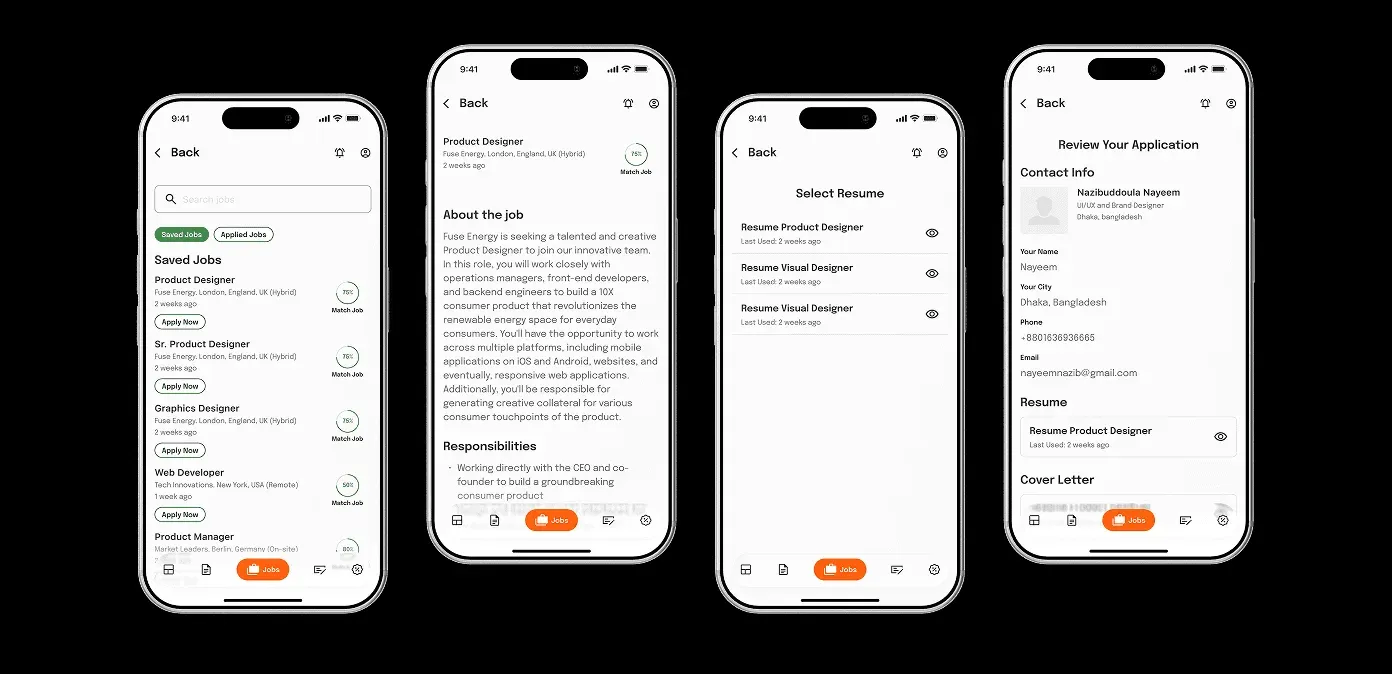
The job board shows listings matched to the user’s profile, each with a match score. One tap opens the job details.
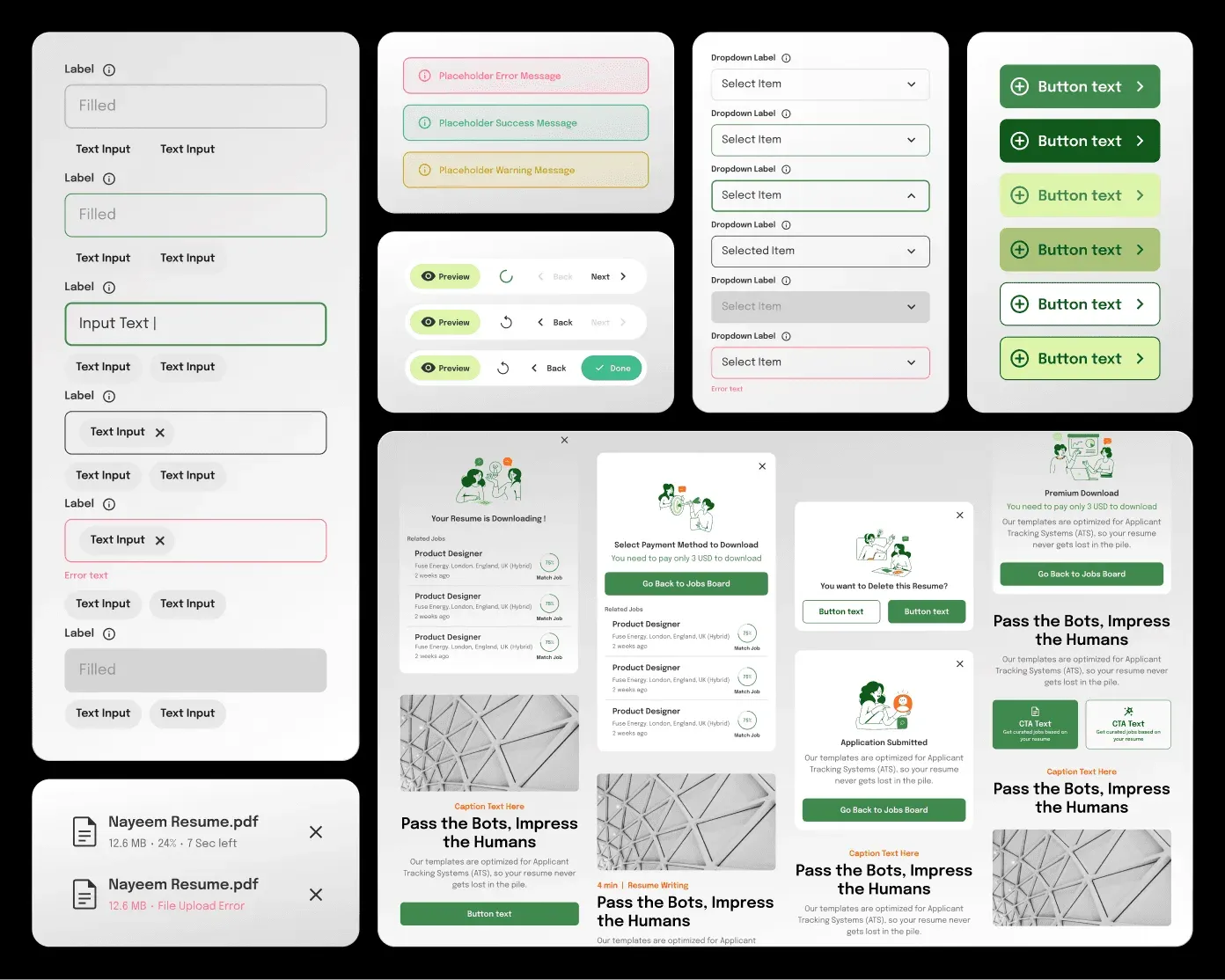
Component library
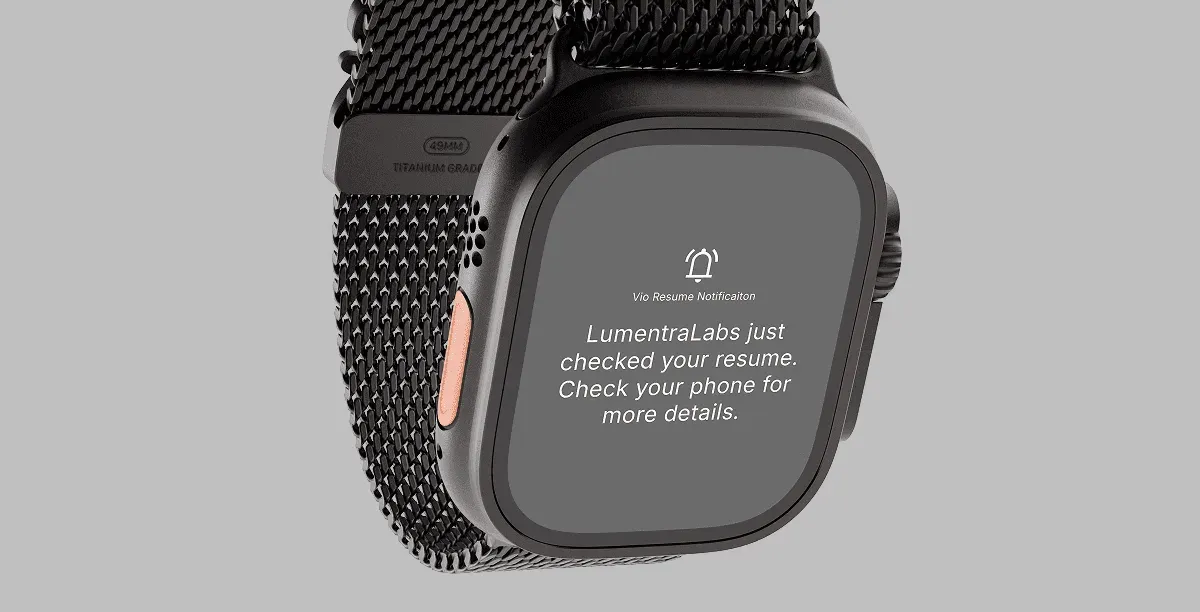
Inputs, modals, buttons and notifications come from one component library used across every screen.